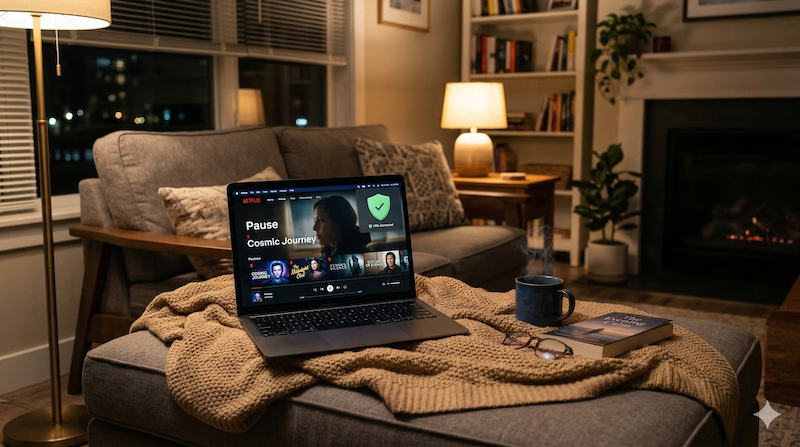
Popcorn ready, show queued up… and then the buffering wheel appears. If your VPN is slowing down your streaming, don’t worry — it’s one of the most common VPN issues and almost always fixable. Here are the most effective solutions, from quickest to most thorough.
This article contains affiliate links.
Why VPNs Can Slow Down Streaming
The three main causes
| Cause | What happens | Impact |
|---|---|---|
| Encryption overhead | Your data gets encrypted/decrypted, using processing power | Small speed reduction (usually 5-15%) |
| Server distance | Data travels further when routed through a distant server | Higher latency, more buffering |
| Server congestion | Too many users on one server slow everyone down | Inconsistent speeds, especially at peak hours |
How to Fix VPN Streaming Speed
Quick fixes (try these first)
| Fix | How to do it | Why it works |
|---|---|---|
| Switch to a closer server | Pick a server in or near your country | Less distance = less latency |
| Change VPN protocol | Switch to NordLynx or WireGuard | Modern protocols are much faster than OpenVPN |
| Try a different server | Disconnect and reconnect to another server in the same region | Avoids congested servers |
| Restart the VPN app | Close and reopen the app | Clears stale connections |
Advanced fixes
| Fix | How to do it | Why it works |
|---|---|---|
| Use split tunneling | Route only streaming app through VPN | Other traffic doesn’t compete for VPN bandwidth |
| Use wired connection | Connect via Ethernet instead of Wi-Fi | More stable, faster than wireless |
| Lower streaming quality temporarily | Set to 1080p instead of 4K | Requires less bandwidth |
| Upgrade your VPN | Switch to a faster provider | Not all VPNs handle streaming equally |
Best VPNs for Streaming Speed
Speed comparison
| Provider | Speed retention | Best protocol | 4K streaming? | Price |
|---|---|---|---|---|
| NordVPN | 90-95% | NordLynx | ✅ Smooth | $3.39/mo |
| ExpressVPN | 85-92% | Lightway | ✅ Smooth | $8.32/mo |
| Surfshark | 85-92% | WireGuard | ✅ Good | $1.99/mo |
| CyberGhost | 78-89% | WireGuard | ✅ Good on nearby servers | $2.19/mo |
NordVPN consistently delivers the best streaming speeds thanks to NordLynx. If you’re experiencing buffering with another VPN, switching to NordVPN often solves the problem entirely.
Frequently Asked Questions
How much speed do I need for streaming?
HD streaming needs about 5-10 Mbps, and 4K needs 25+ Mbps. Even with a VPN reducing your speed by 10-15%, most broadband connections have more than enough bandwidth.
Is it my VPN or my internet that’s slow?
Easy test: disconnect the VPN and try streaming. If it’s still slow, the issue is your internet connection. If it’s smooth without VPN, the VPN is the bottleneck — try the fixes above.
Which VPN protocol is fastest for streaming?
NordLynx (NordVPN) and WireGuard (most other providers) are the fastest. Always switch away from OpenVPN if streaming speed is an issue.
Conclusion
Most VPN streaming issues come down to three things: server distance, server congestion, or using an outdated protocol. Switching to a nearby server and using NordLynx/WireGuard fixes the problem for most people. If your current VPN can’t deliver smooth streaming, NordVPN at $3.39/month is the fastest option available — 90-95% speed retention means 4K streaming without buffering.