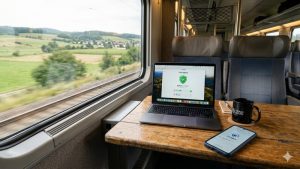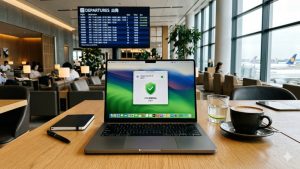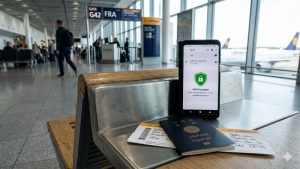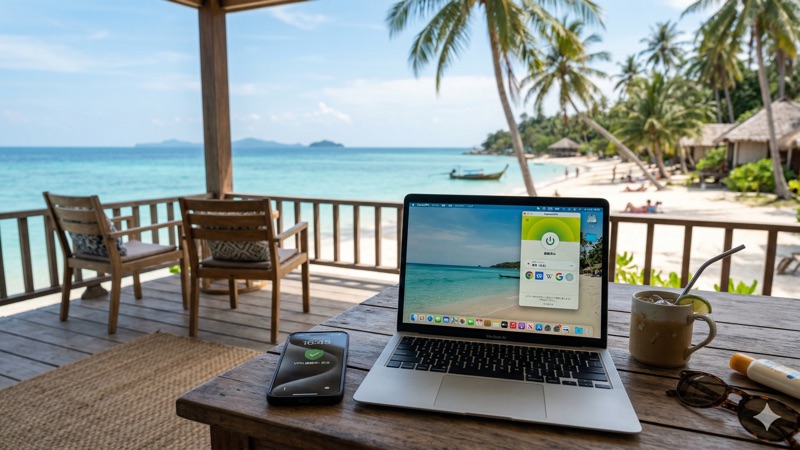
Working from a café in Lisbon one day and a co-working space in Bangkok the next? The digital nomad lifestyle is amazing — but it comes with real cybersecurity risks. Every time you connect to a new Wi-Fi network, your data is potentially exposed.
A VPN is the single most important security tool for digital nomads. Here are the best practices for staying safe while working from anywhere in 2026.
This article contains affiliate links.
Why Digital Nomads Need a VPN More Than Anyone
The unique risks you face
| Risk | Why it’s worse for nomads | How a VPN helps |
|---|---|---|
| Public Wi-Fi attacks | You use new networks daily — cafés, hotels, airports | Encrypts all traffic on any network |
| Data interception | You handle client data and business info on the go | Makes intercepted data unreadable |
| ISP monitoring | Foreign ISPs may have different privacy standards | Hides all activity from ISP |
| Network restrictions | Some countries and networks block certain services | Obfuscated servers get through blocks |
| Account lockouts | Logging in from many countries triggers security flags | Connect to home server for consistent IP |
Essential VPN Features for Nomads
What to look for
| Feature | Why nomads need it |
|---|---|
| Large server network (100+ countries) | Find fast, nearby servers wherever you are |
| Auto-connect on untrusted Wi-Fi | Protection kicks in automatically at new locations |
| Kill switch | Prevents data leaks during connection drops |
| Split tunneling | Use local services while protecting work apps |
| Obfuscated servers | Stay connected in countries that block VPNs |
| Fast modern protocol | Maintain speed for video calls and file transfers |
| Multi-device support | Protect laptop, phone, and tablet with one account |
Best Practices for Digital Nomad VPN Use
1. Keep your VPN on at all times
With modern protocols like NordLynx, the speed and battery impact is minimal. Enable “Always-on VPN” and auto-connect — you’ll be protected automatically without thinking about it every time you switch networks.
2. Use split tunneling strategically
Route your work tools (email, cloud storage, communication apps) through the VPN while letting local services (maps, food delivery, local banking) connect directly. This gives you the best of both worlds — security for work, local access for daily life.
3. Connect to your home country for banking and work services
Banks and corporate platforms flag logins from unfamiliar countries. Connecting to a VPN server in your home country makes it look like you’re browsing from home — avoiding lockouts and security challenges.
4. Use nearby servers for everyday browsing
For general browsing, email, and social media, connect to the closest available server. Less distance = less latency = faster speeds.
5. Have obfuscated servers ready
Some countries and networks actively block VPN connections. Obfuscated servers disguise your VPN traffic as regular HTTPS, getting through most blocks. Know how to switch to them before you need to.
6. Protect all your devices
Don’t just VPN your laptop. Your phone connects to the same risky networks and handles sensitive notifications, banking apps, and work messages. Protect everything.
Best VPNs for Digital Nomads
| Feature | NordVPN | ExpressVPN | Surfshark |
|---|---|---|---|
| Servers | 8,900+ | 3,000+ | 3,200+ |
| Countries | 120+ | 105 | 100+ |
| Split tunneling | ✅ (Android, Windows) | ✅ | ✅ |
| Obfuscated servers | ✅ | ✅ | ✅ |
| Auto Wi-Fi protection | ✅ | ✅ | ✅ |
| Simultaneous devices | 6 | 8 | Unlimited |
| Starting price | $3.39/mo | $2.44/mo | $1.99/mo |
NordVPN’s combination of 120+ countries, obfuscated servers, and the fast NordLynx protocol makes it especially well-suited for nomads who need reliable connections worldwide.
Frequently Asked Questions
Should I keep my VPN on all day while working?
Yes. Modern VPNs with NordLynx or WireGuard protocols have minimal speed and battery impact. Keeping your VPN always on means you’re protected every time you switch networks — which happens frequently as a digital nomad.
Will a VPN slow down my video calls?
With a nearby server and modern protocol, the impact is minimal — usually 10-20ms extra latency. This is barely noticeable in video calls. If you experience issues, try switching to a closer server or the NordLynx protocol.
What if my VPN won’t connect in a certain country?
Switch to obfuscated servers, which disguise VPN traffic as regular HTTPS. If that doesn’t work, try different protocols (OpenVPN TCP often works on restrictive networks). As a last resort, use your phone’s mobile data for sensitive tasks.
Can I use one VPN account across all my devices?
Yes. Most providers allow 5-6+ simultaneous connections. NordVPN allows 6 devices at once — enough for your laptop, phone, and tablet with room to spare.
Conclusion
As a digital nomad, a VPN isn’t optional — it’s essential. Keep it always on, use split tunneling for local services, connect to your home country for banking, and have obfuscated servers ready for restrictive networks. These simple practices protect your work and personal data no matter where in the world you’re working from.
NordVPN offers 8,900+ servers across 120+ countries, obfuscated servers, auto Wi-Fi protection, and the fast NordLynx protocol — starting at $3.39/month.