Want to keep your iPhone private and secure online? A VPN is one of the easiest ways to do it — and NordVPN is one of the best options for iPhone users. It’s fast, easy to set up, and packed with useful features.
In this guide, we’ll walk you through why NordVPN works so well on iPhone, how to set it up, and what features matter most.
This article contains affiliate links.
Why NordVPN Is a Great Choice for iPhone
Key features at a glance
| Feature | Details |
|---|---|
| Servers | 8,900+ across 120+ countries |
| Protocol | NordLynx (WireGuard-based) — fast and secure |
| Speed retention | 85-95% of your normal speed |
| Simultaneous devices | 6 per account |
| Battery impact | Minimal (5-10% extra drain) |
| Starting price | $3.39/month |
What makes it stand out on iPhone
- NordLynx protocol — Connects 3-4x faster than OpenVPN while using less battery
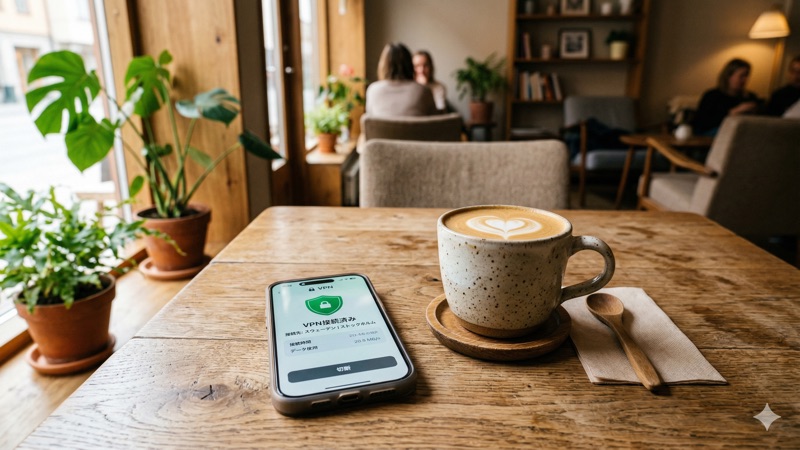
- Auto-connect on untrusted Wi-Fi — Automatically activates when you join public networks
- CyberSec — Blocks ads, malware, and tracking across all apps (not just your browser)
- Dark Web Monitor — Alerts you if your email appears in data breaches
- Kill switch — Cuts internet instantly if VPN drops, preventing data leaks
How to Set Up NordVPN on iPhone
Step-by-step setup
- Get your subscription — Sign up at NordVPN’s website (often has better deals than the App Store)
- Download the app — Search “NordVPN” in the App Store. Look for the official app by “Nordvpn S.A.”
- Log in — Open the app and enter your credentials
- Allow VPN configuration — Tap “Allow” when iOS asks permission to add VPN profiles
- Tap Quick Connect — The app automatically picks the fastest server for your location
Recommended settings
| Setting | Recommended | Why |
|---|---|---|
| Protocol | NordLynx | Best speed + battery combo |
| Auto-connect | On (Wi-Fi) | Protects you on public networks automatically |
| Kill switch | On | Prevents data leaks if connection drops |
| CyberSec | On | Blocks ads and malware across all apps |
| Dark Web Monitor | On | Alerts you about compromised credentials |
NordVPN iPhone App: What It’s Like to Use
Interface and design
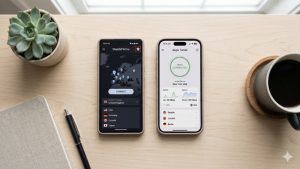
The app follows Apple’s design guidelines, so it feels native to iOS. The main screen shows a world map with server locations, and the big “Quick Connect” button at the bottom makes one-tap protection easy. You can also browse servers by country, see real-time load percentages, and save your favorites for quick access.
Specialty servers
Beyond standard servers, NordVPN offers specialty options directly in the app:
- Double VPN — Routes through 2 servers for extra encryption
- P2P-optimized — Designed for large file transfers
- Onion Over VPN — Combines VPN + Tor for maximum anonymity
- Obfuscated — Disguises VPN traffic on restrictive networks
NordVPN vs Other iPhone VPNs
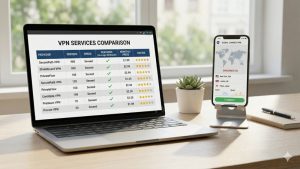
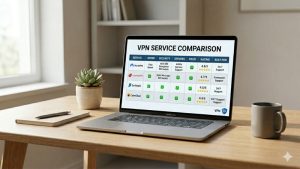
| Feature | NordVPN | ExpressVPN | Surfshark |
|---|---|---|---|
| Servers | 8,900+ | 3,000+ | 3,200+ |
| Countries | 120+ | 105 | 100+ |
| Fast protocol | NordLynx | Lightway | WireGuard |
| Ad/malware blocker | ✅ CyberSec | Partial | ✅ CleanWeb |
| Dark Web Monitor | ✅ | ❌ | ❌ |
| Simultaneous devices | 6 | 8 | Unlimited |
| Starting price | $3.39/mo | $2.44/mo | $1.99/mo |
NordVPN leads with the largest server network, built-in Dark Web monitoring, and CyberSec protection — features most competitors charge extra for or don’t offer at all.
Troubleshooting Common Issues
VPN won’t connect
- Close and reopen the NordVPN app completely
- Try a different server location
- Switch protocol (Settings → Protocol → try OpenVPN or IKEv2)
- Remove VPN profiles (Settings → General → VPN → remove NordVPN) and reconnect
- Make sure both iOS and the NordVPN app are updated to the latest version
Slow speeds
- Switch to NordLynx protocol if you’re using OpenVPN
- Try a server closer to your location
- Pick a server with lower load percentage
- Make sure Background App Refresh is enabled for NordVPN
Frequently Asked Questions
Does NordVPN work on all iPhone models?
Yes — NordVPN supports any iPhone running iOS 13.0 or later, from iPhone 6s to the latest models. The app automatically optimizes performance based on your device’s capabilities.
Does NordVPN drain iPhone battery?
Very little. Most users see about 5-10% extra battery drain with always-on VPN protection. The NordLynx protocol is especially efficient, using less power than older protocols like OpenVPN.
Can I use NordVPN on iPhone while traveling?
Absolutely — that’s one of its best uses. With 8,900+ servers in 120+ countries, you can find fast, nearby servers almost anywhere in the world. The auto-connect feature protects you automatically on unfamiliar Wi-Fi networks.
How many devices can I protect with one account?
Up to 6 devices simultaneously — iPhone, iPad, Mac, Windows, Android, or even your router. If you need more, installing NordVPN on your home router covers all connected devices as a single connection.
Conclusion
NordVPN is one of the best VPN choices for iPhone — fast NordLynx protocol, minimal battery impact, built-in ad blocking and malware protection, and an app that’s genuinely well-designed for iOS. Whether you’re protecting yourself on public Wi-Fi or keeping your browsing private at home, it covers all the bases.
NordVPN for iPhone starts at $3.39/month with a 30-day money-back guarantee.